
💬 Subtitles & Appearance
Kyna Player features a powerful subtitle rendering engine with dual subtitle support and fine-grained style customization.
📑 Loading & Selecting Subtitles
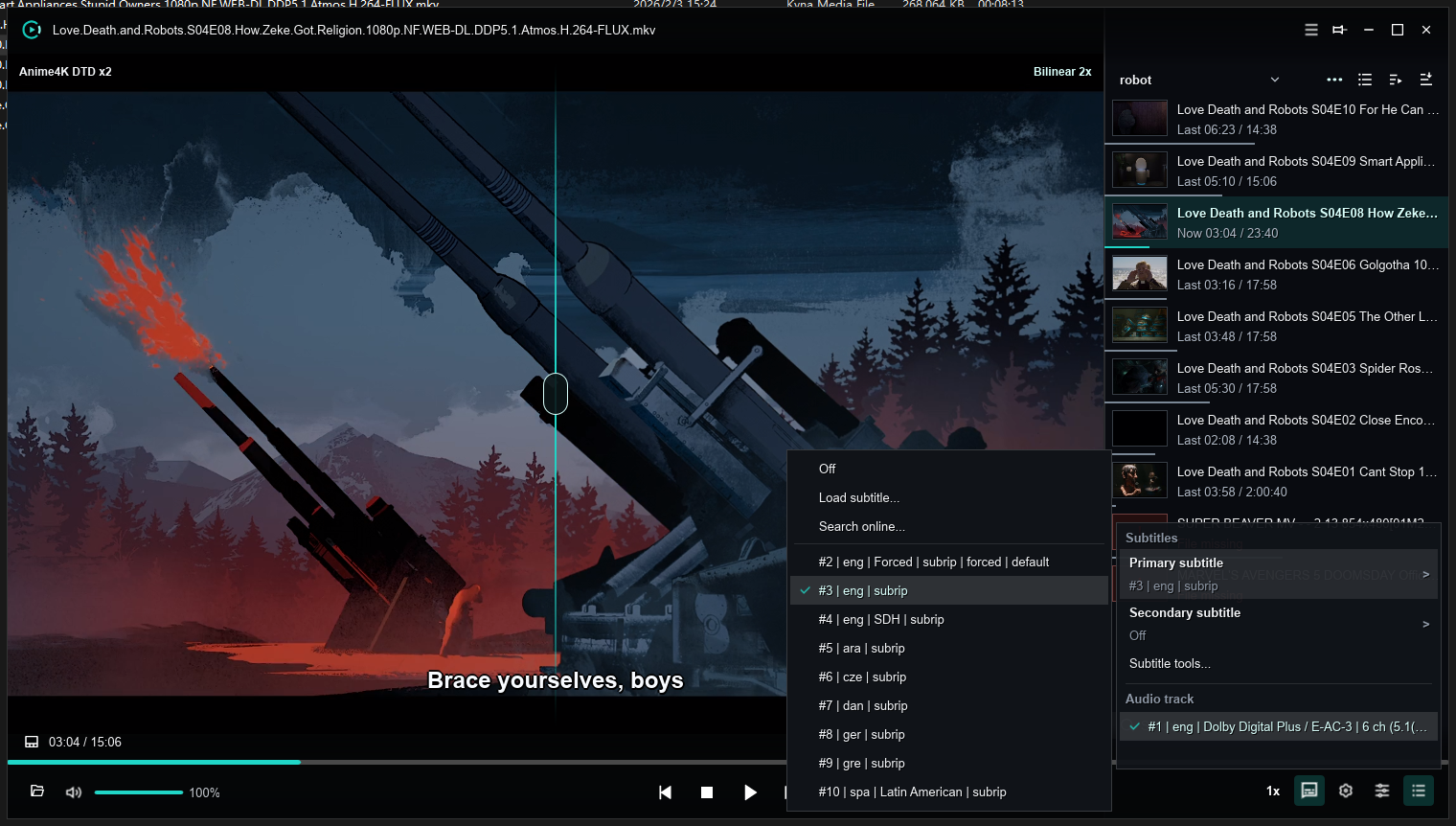
- Control Bar & Context Menu Click the subtitle icon or right-click to quickly select primary and secondary subtitle tracks.
- Drag & Drop External Files
Drag
.srt,.ass,.ssa, or.vttfiles directly into the window to load instantly. - Auto-Association
Subtitles in the same folder sharing the video filename (e.g.,
movie.en.srt) are loaded automatically.
👥 Dual Subtitles System
The ideal companion for language learning and bilingual comparison:
- Primary Subtitle: Typically set to translated text with a larger font size.
- Secondary Subtitle: Typically set to original language dialogue.
- Independent Size Control: Adjust font sizes individually for primary (13
48px) and secondary (1340px) subtitles.
🎨 Styling & Online Search
- Custom Styles Customize font family, font scale, bold outlines, and translucent shadow boxes.
- Online Subtitle Extensions Built-in subtitle plugin engine enables accurate hash-based matching and one-click downloading.