
🎨 Video Enhancement & Settings
Built on a dedicated Direct3D hardware pipeline, Kyna Player provides rich picture controls and AI upscaling algorithms.
🚀 Video Rendering & Hardware Acceleration
- Direct3D 11 Accelerated Pipeline Leverages GPU hardware decoding with zero-copy presentation, natively handling high-bitrate 4K/8K content with minimal CPU load.
- Three Aspect Ratio Fill Modes
- Contain: Preserves the native aspect ratio with black letterboxing.
- Fill: Stretches the image to fill the entire window.
- Cover: Crops margins proportionally to eliminate black bars.
✨ Adaptive Local Detail Enhancement
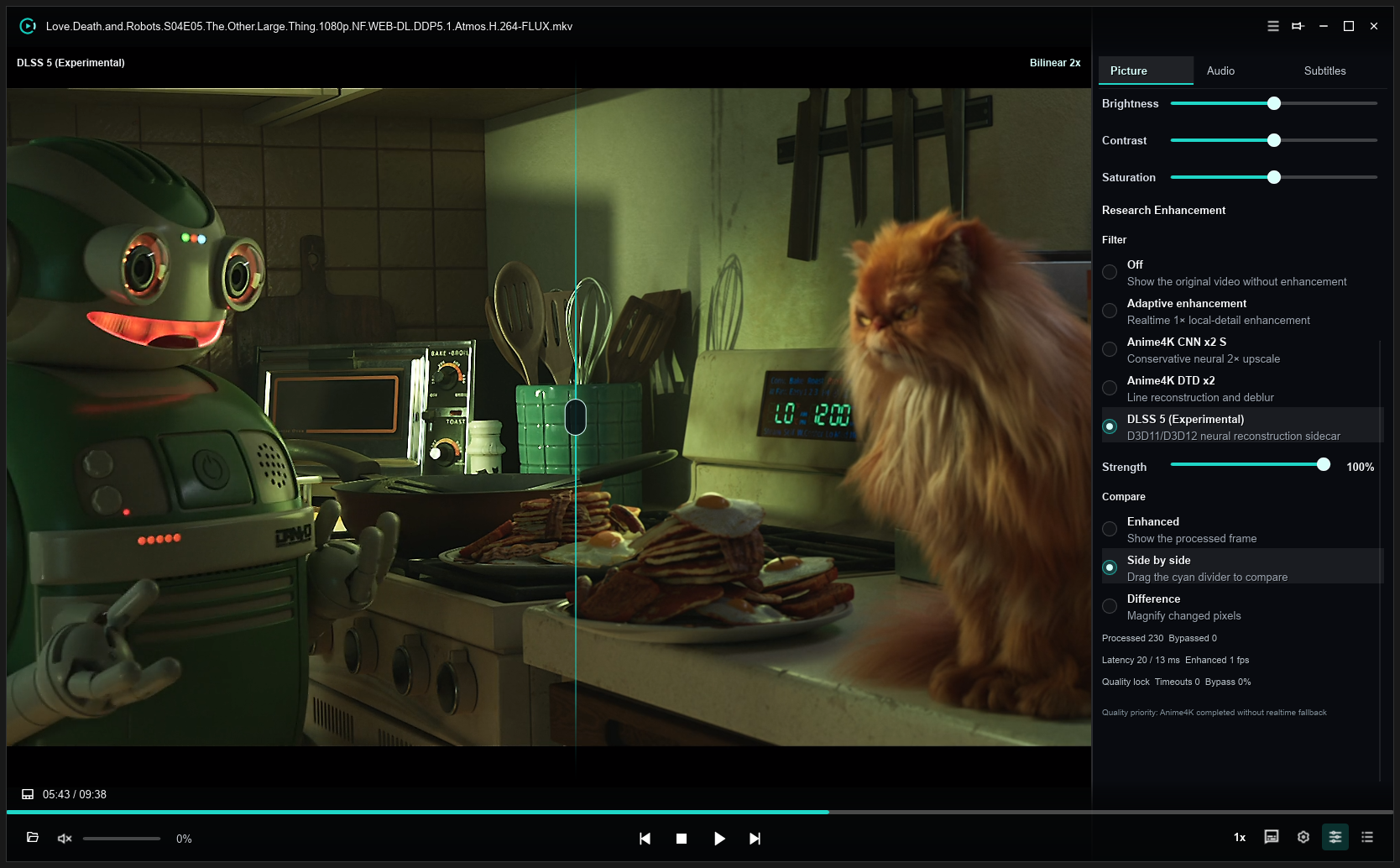
- Adaptive Enhancement Real-time 1× local detail and contrast booster that refines edges and clarifies dark scenes while preserving smooth color gradients.
- Research Enhancement Offers experimental neural upscaling filter extensions for ultra-demanding video sources.
🌸 Anime4K Super-Resolution
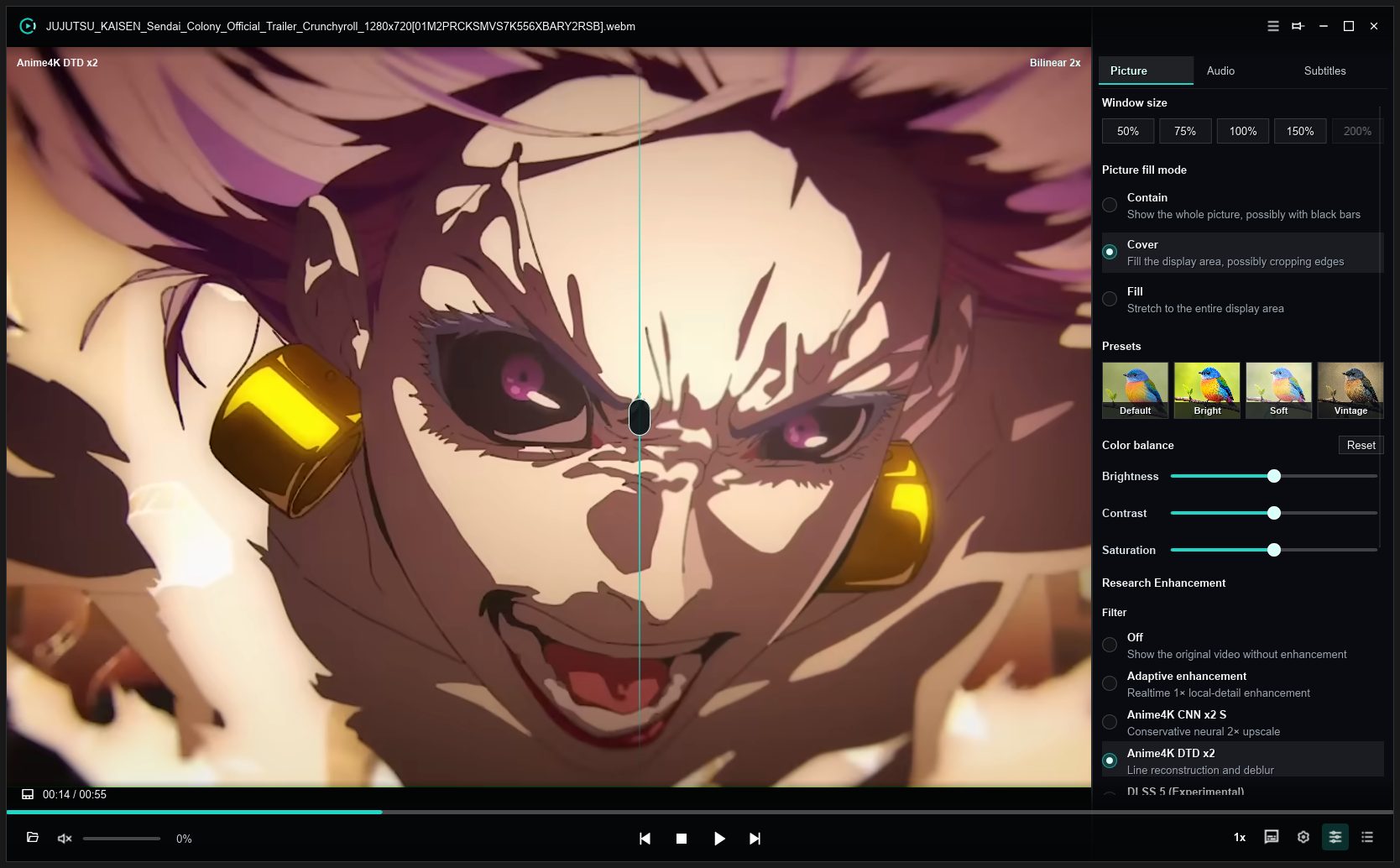
- Anime 2× Upscaling
Built-in shaders optimized specifically for 2D animation (
Anime4K CNN x2 S&Anime4K DTD x2). - Edge Reconstruction & Anti-Aliasing Rebuilds crisp outlines and removes compression artifacts, delivering pristine visuals on 2K/4K high-resolution displays.