
📑 Playlist & File Management
Effortlessly manage large collections of TV dramas, anime series, and music tracks.
➕ Playlist Operations & Export
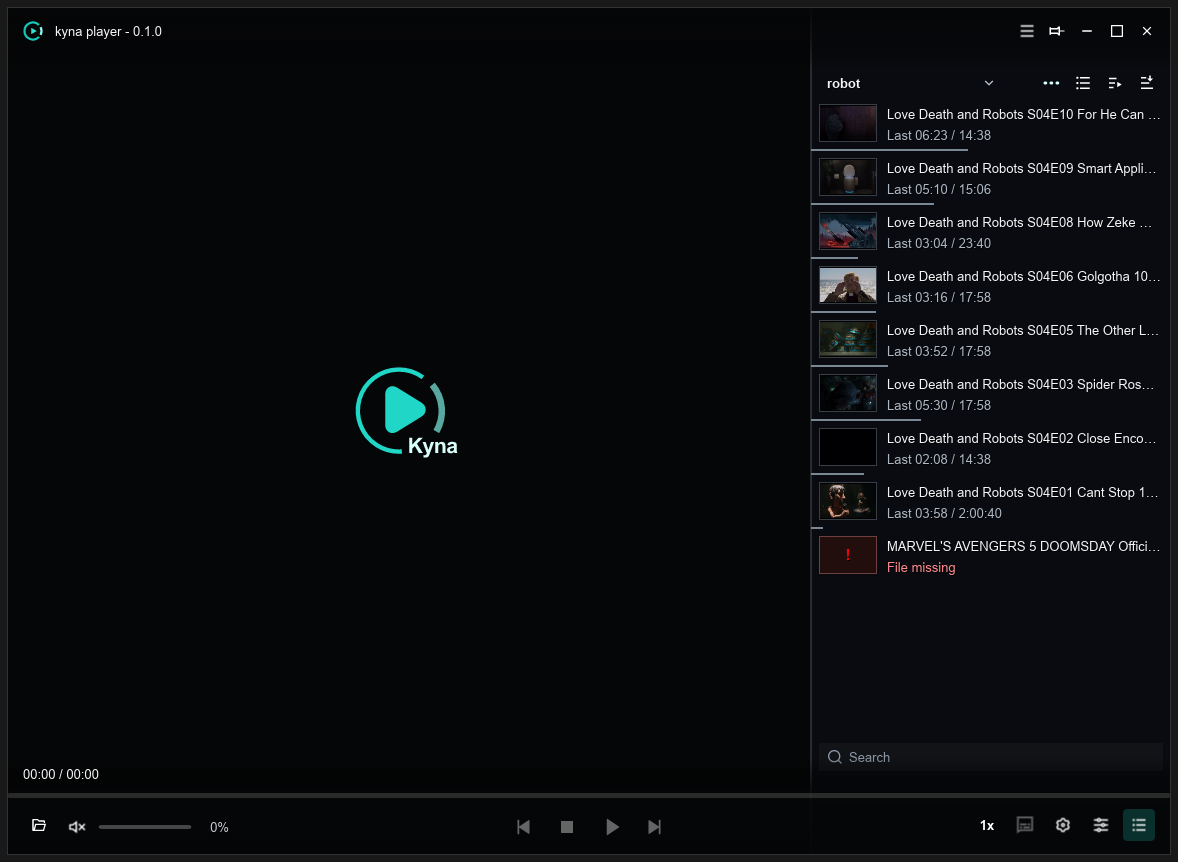
- Open Playlist
Click the
📑 Playlistbutton on the control bar to open the sidebar. - Drag to Reorder Drag items up and down in the list to reorder playback immediately.
- Save & Export
Export playlists as universal UTF-8
.m3u8files with relative paths that stay valid when moved.
📁 Smart Batch Folder Scanning
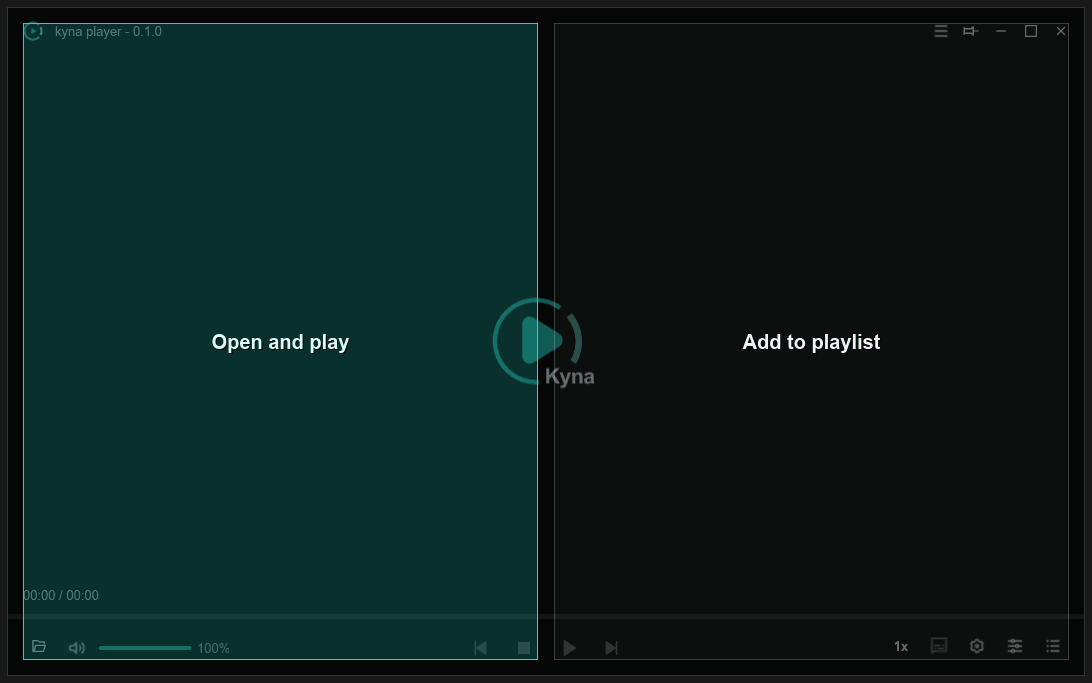
Dragging a TV series folder into the player brings up the import dialog:
- Recursive Scan: Traverses all subdirectories to collect audio and video files.
- Smart Filtering: Automatically filters out poster images,
.nfometadata, and cache files. - Natural Number Sorting: Orders episodes cleanly from
Ep 1→Ep 2→Ep 10.
🕒 Recent History & Resume
- Playback Resume: Records exact exit timestamps for instant, seamless resuming.
- File Management: Locate files in File Explorer or remove entries right from the list.