
📺 DLNA Wireless Casting
Kyna Player provides full DLNA / UPnP screencasting support, featuring both Big-Screen TV Casting (DMC) and Local Media Receiver (DMR) modes.
📡 1. Big-Screen TV Casting (DMC)
Stream local high-definition videos wirelessly to your living room Smart TV, projector, or TV box.
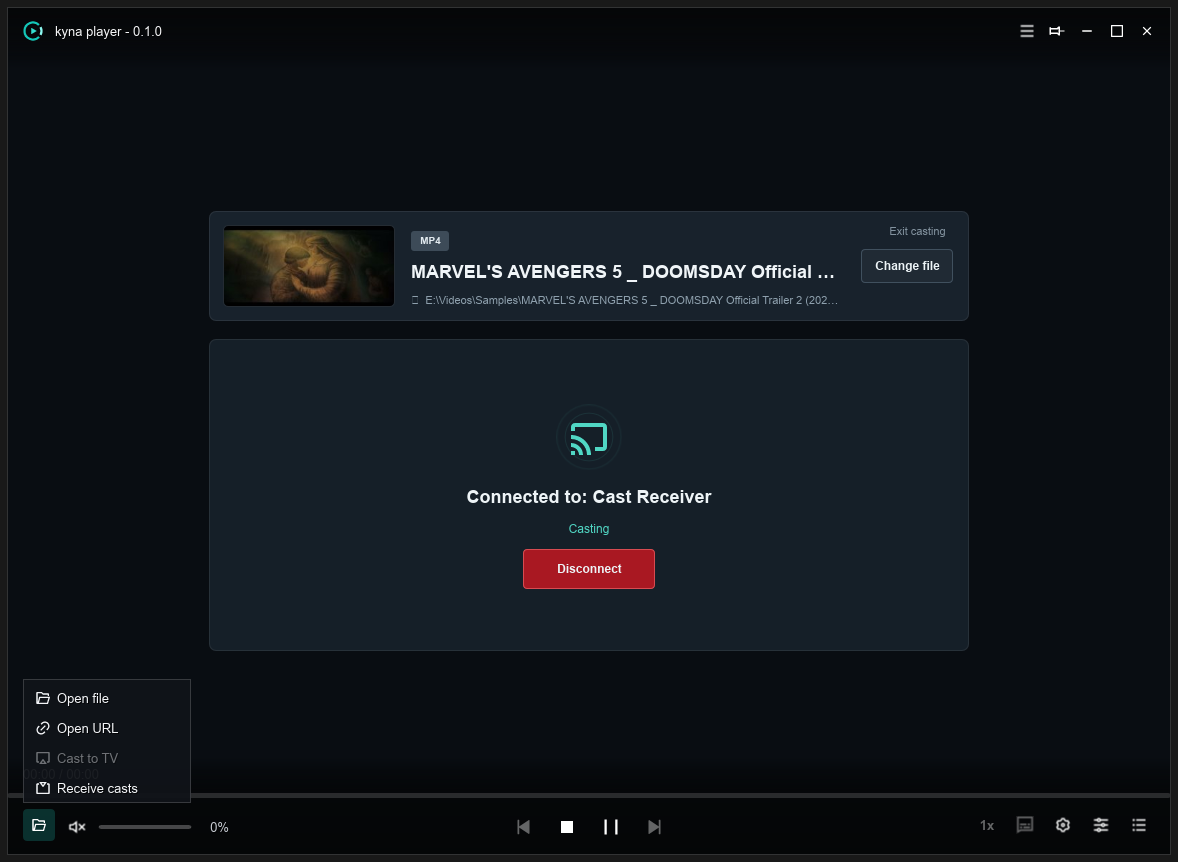
Steps
- Open Cast Workbench
While playing media, click the
📺 Casticon on the control bar to expand the cast workbench. - Select Target Device The workbench automatically scans your local network. Click your smart TV from the list.
- Stream Instantly Click Connect / Cast to start playback on your TV immediately.
Synchronized PC Remote Control
- Playback & Seeking: Pause, resume, or scrub the timeline on your PC with real-time TV synchronization.
- Volume: Adjust or mute big-screen volume directly from your computer.
- Disconnect: Click “Disconnect” at any time to resume playing locally.
📥 2. Local Media Receiver (DMR)
Kyna Player can also function as a DLNA renderer to receive media casts from smartphones or tablets.
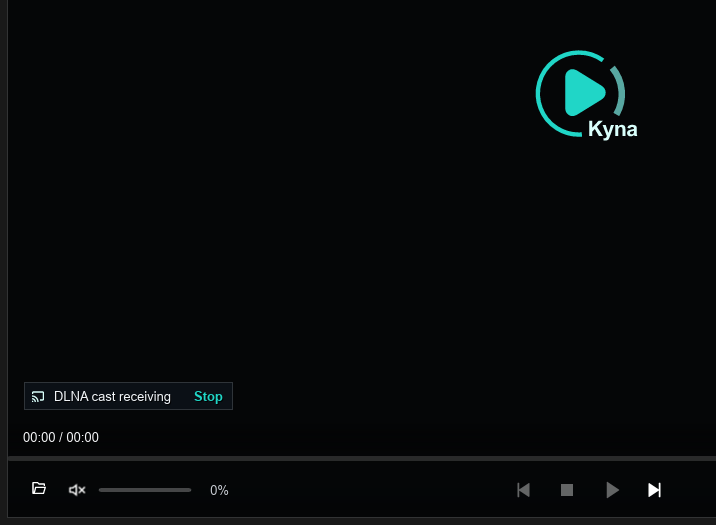
- Enable Receiver Click the Receive Casts button on the control bar.
- Cast from Mobile In mobile video apps (YouTube, Bilibili, etc.), tap the “TV Cast” icon and select Kyna Player to stream to your PC screen.
🛠️ Network & Firewall Configuration
- Same Local Network Ensure PC and TV connect to the same router (5GHz Wi-Fi or Gigabit Ethernet recommended).
- Windows Firewall Allow Kyna Player through Windows Firewall when prompted for both private and public networks.
- AP Isolation If devices cannot be discovered, verify that “AP Isolation” or “Guest Network” is disabled on your router.